satellite overview app rating
Redesigning a mobile app with room to grow
When I joined the satellite project, our mission was to make a strong product even stronger. We aimed to create an app that was more engaging, more intuitive, and ready for future growth.
Design Lead iOS Android Design System Redesign INFORMATION ARCHITECTURE
The Challenge Behind satellite’s Next Chapter

satellite is a mobile app for iOS and Android that lets users make and receive calls without a SIM card. Every user gets their own mobile number that works anywhere.

Over the years, the app had gained loyal users but also accumulated design debt:

Messy UX: features felt disconnected

Limited scalability: restricted expansion

Outdated look did not match product maturity

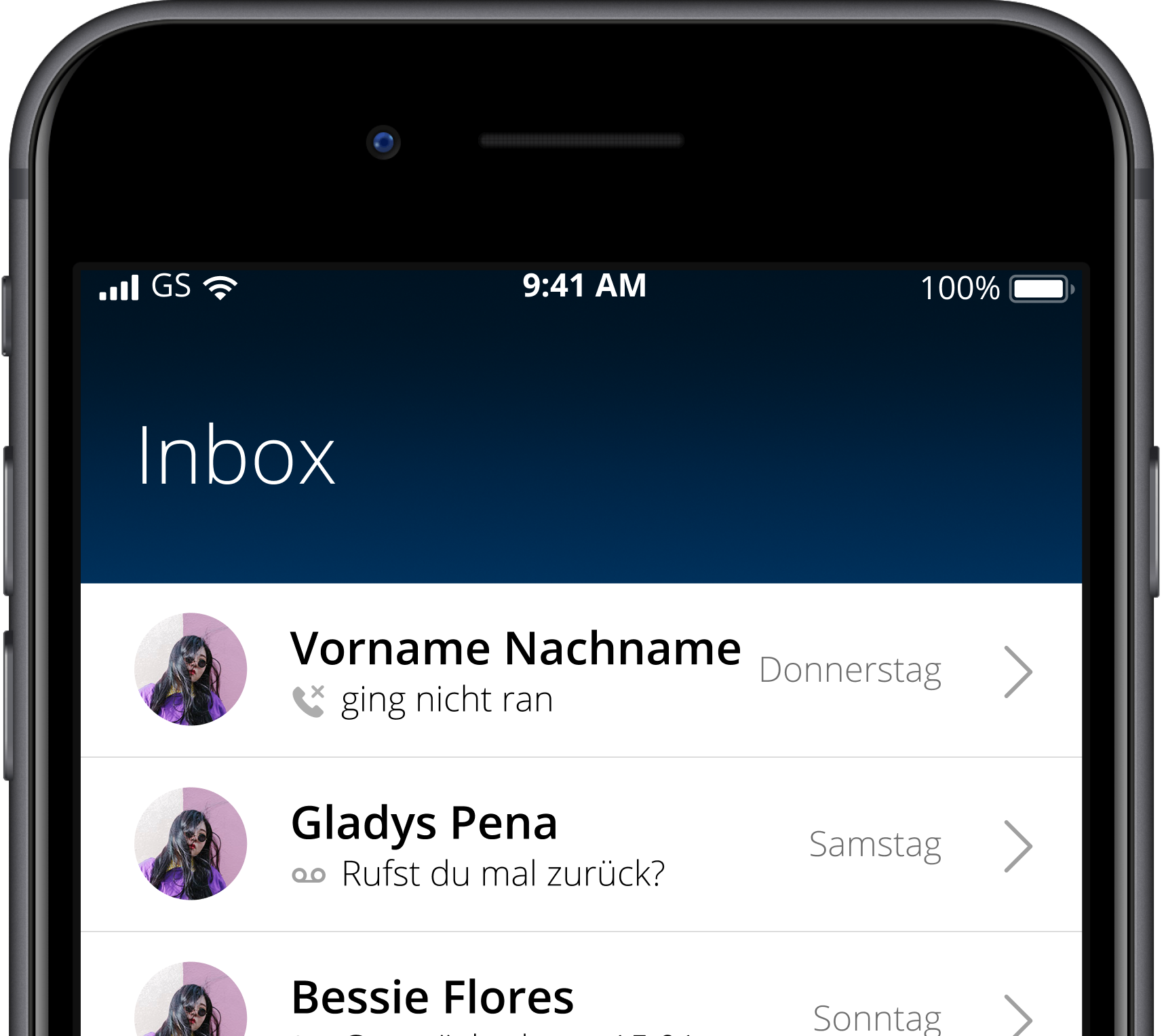
satellite old
Building a Design That Grows with the Product
Modernizing with Purpose
We wanted to create a clear, modern, and confident design system that felt native to both platforms while maintaining consistency.
Preparing for What’s Next
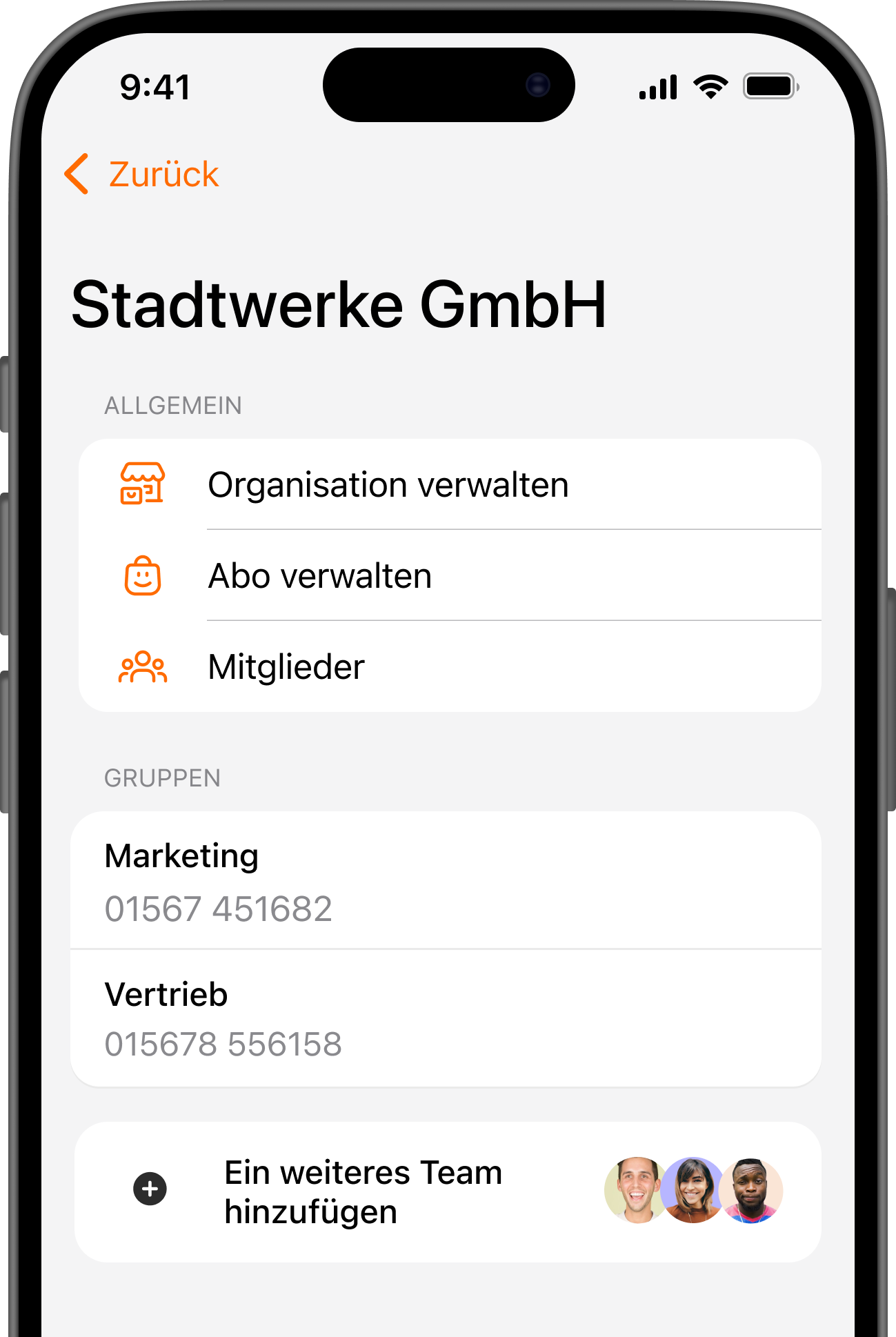
Future features like messaging and CRM integration needed a place to live. The redesign restructured the information architecture to allow smooth integration later, avoiding another overhaul.
Introducing What Users Didn’t Know They Needed
Most importantly we had to make users understand why these features mattered before they realized it themselves. We focused on introducing new mental models through subtle design cues, helping users grasp the product’s deeper value naturally.

Approach

Stakeholder and Customer Interviews
1

Stakeholder and customer interviews

We started by talking to internal stakeholders and users to uncover friction points and expectations. These conversations helped align the redesign with both business goals and day-to-day usage patterns.

2

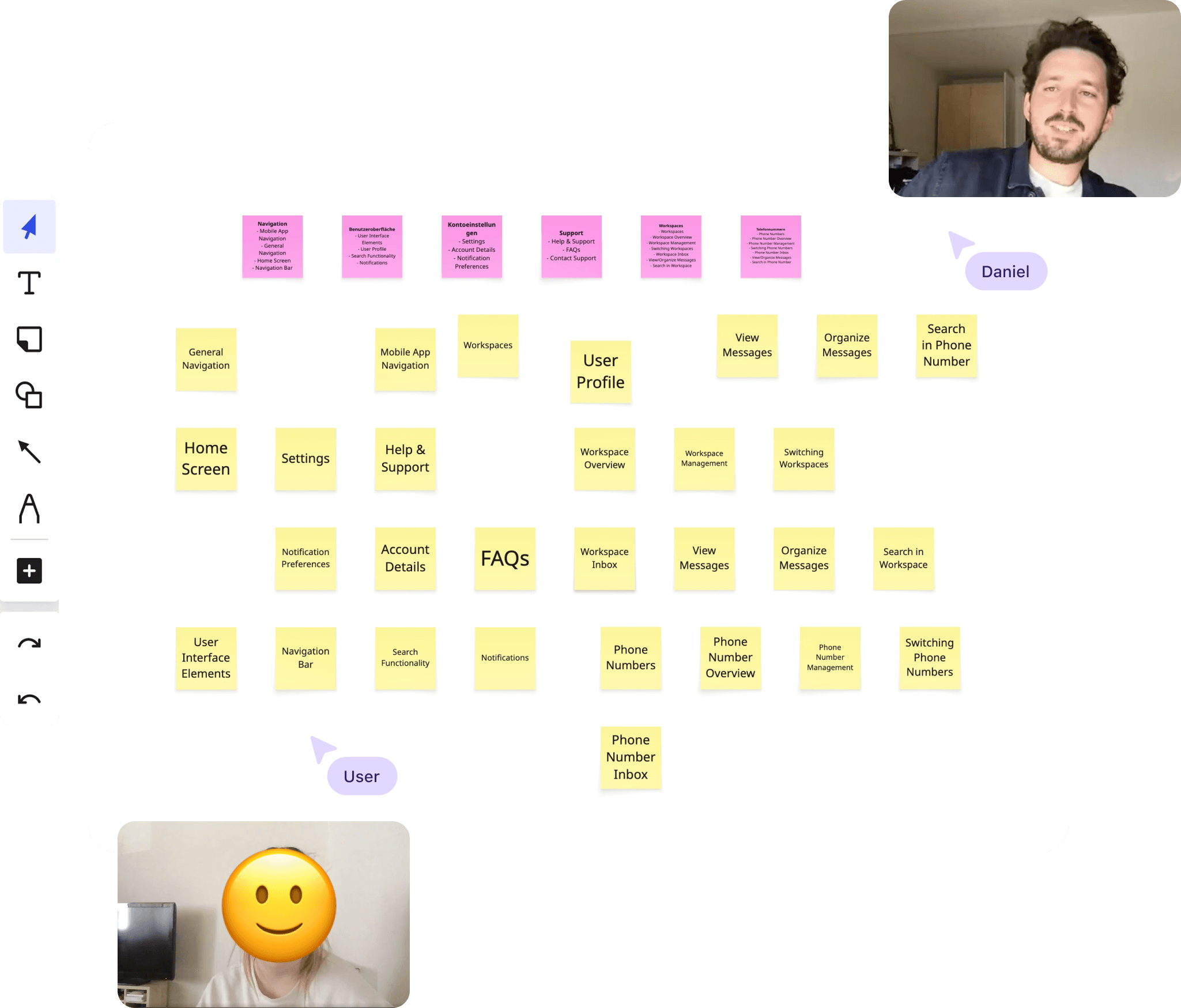
Card sorting with users

We used card sorting sessions to validate and simplify the information architecture. This revealed which terms and categories made the most sense to users, leading to a more intuitive navigation model.

card sorting with users
Prototyping for exploration
3

Prototyping for exploration

Through rapid prototyping, we tested multiple layout and flow variations to find the right balance between usability and scalability. Quick, iterative feedback cycles allowed us to move fast while staying user-centered.

4

Refining the UI and Visual Language

The redesign also extended into the visual identity. We refined the color palette, typography, and overall visual tone to express reliability and focus, aligning the product more closely with the company’s evolving brand.

UI refinement

Results:
Creating Aha Moments

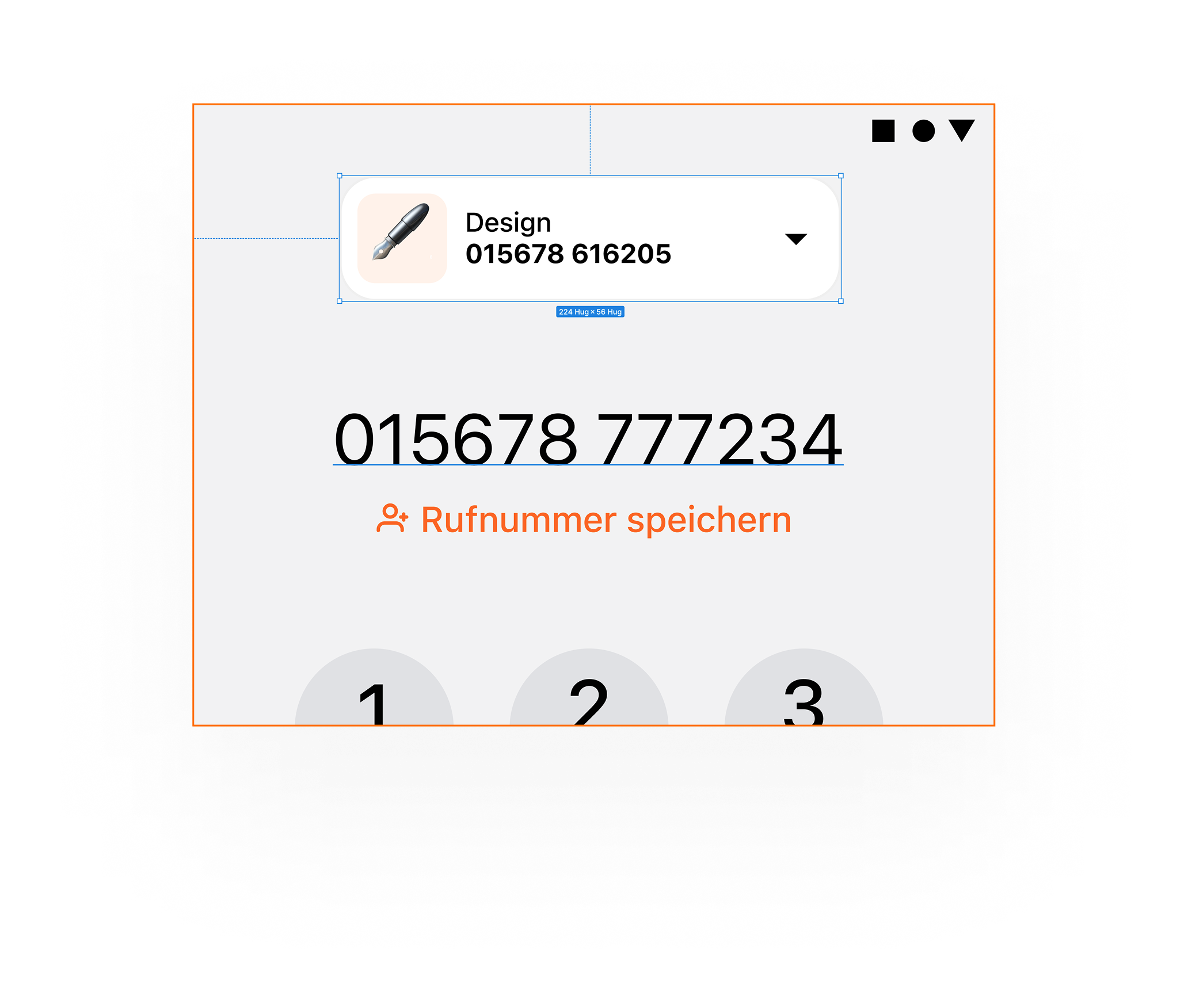
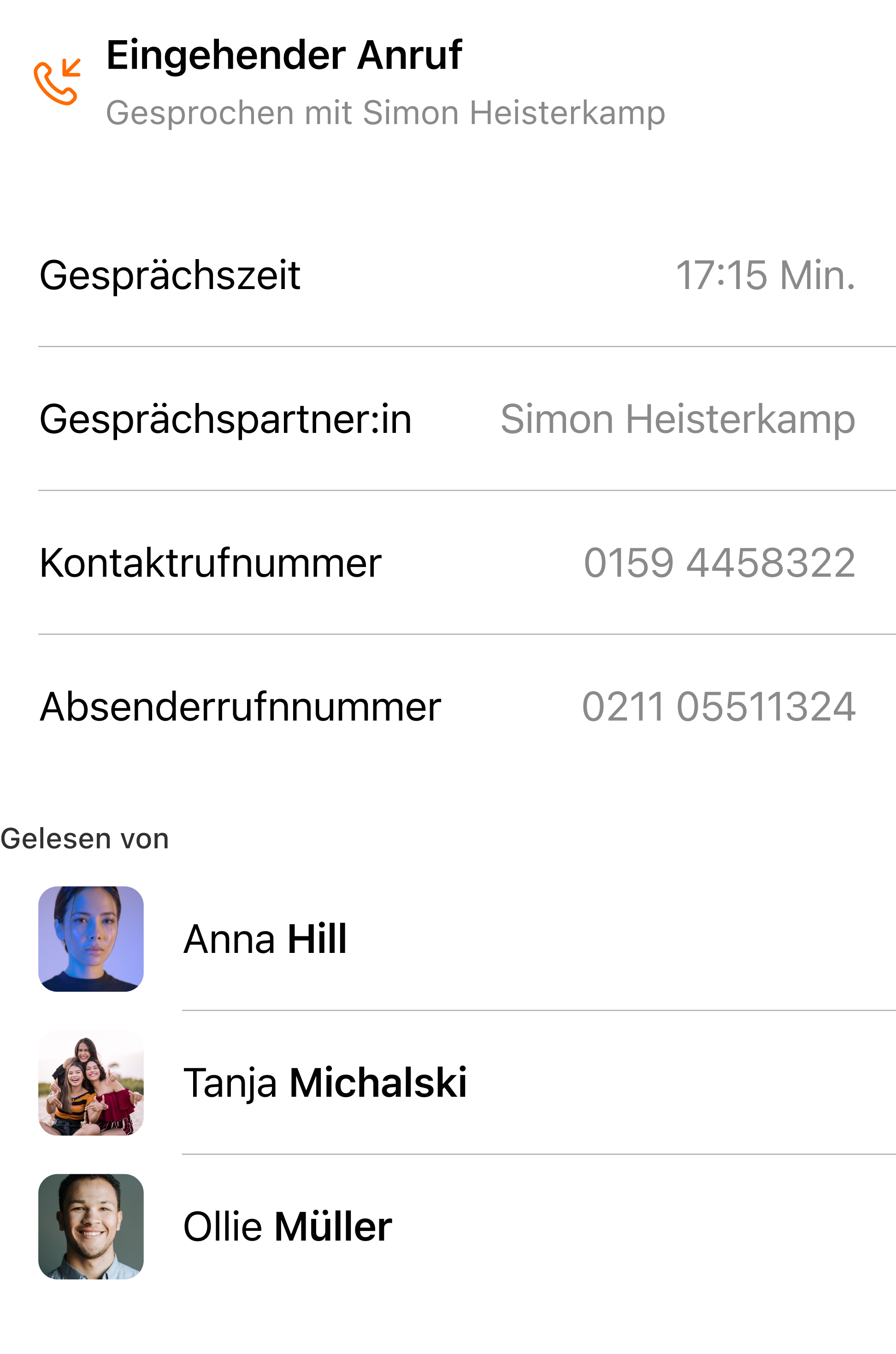
Detail of the contact details
📱

Clear Paths Through the Product

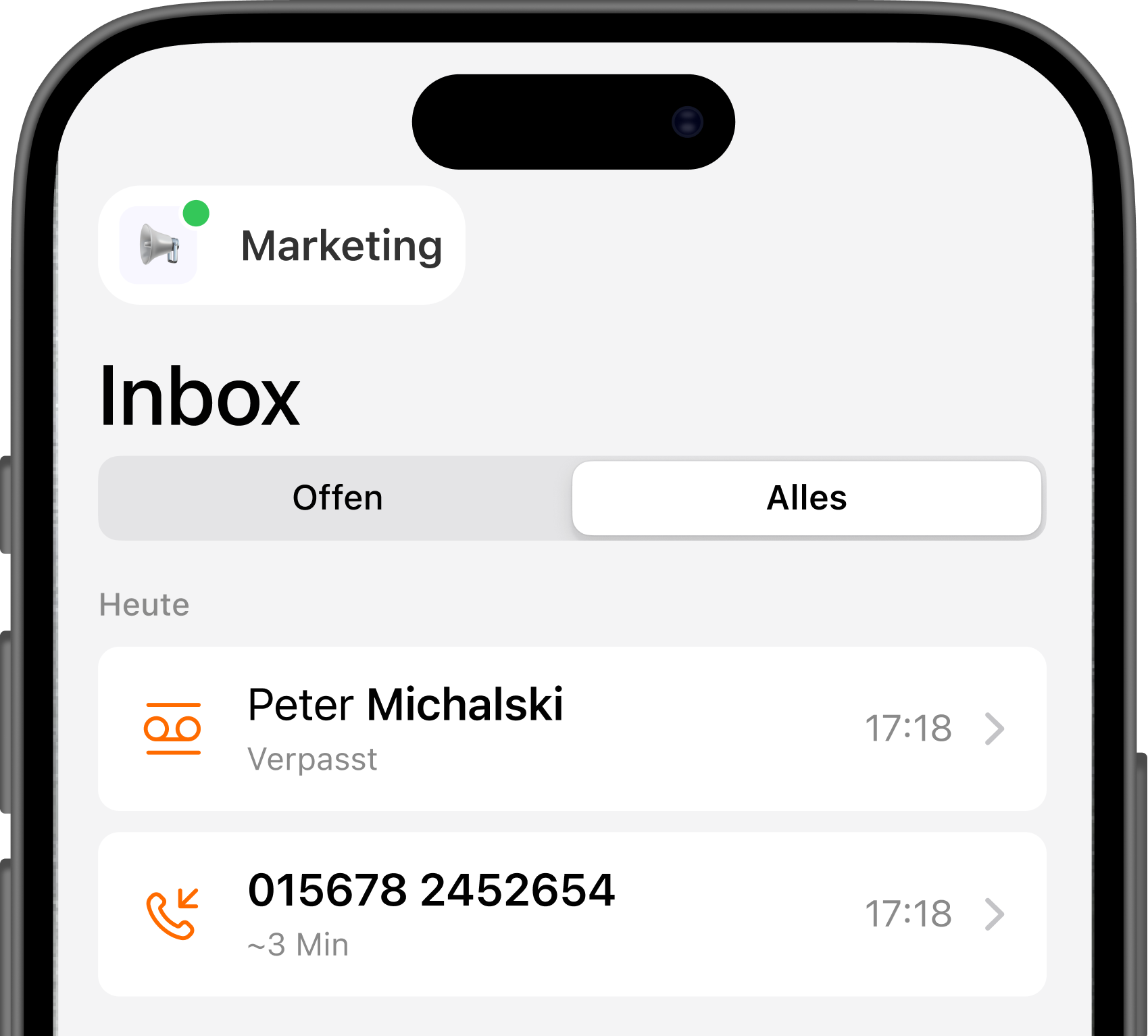
Users quickly understood what the app could do and how to navigate it. The redesigned structure and onboarding moments turned confusion into confidence — a clear “aha!” when they realized how simple things actually were.
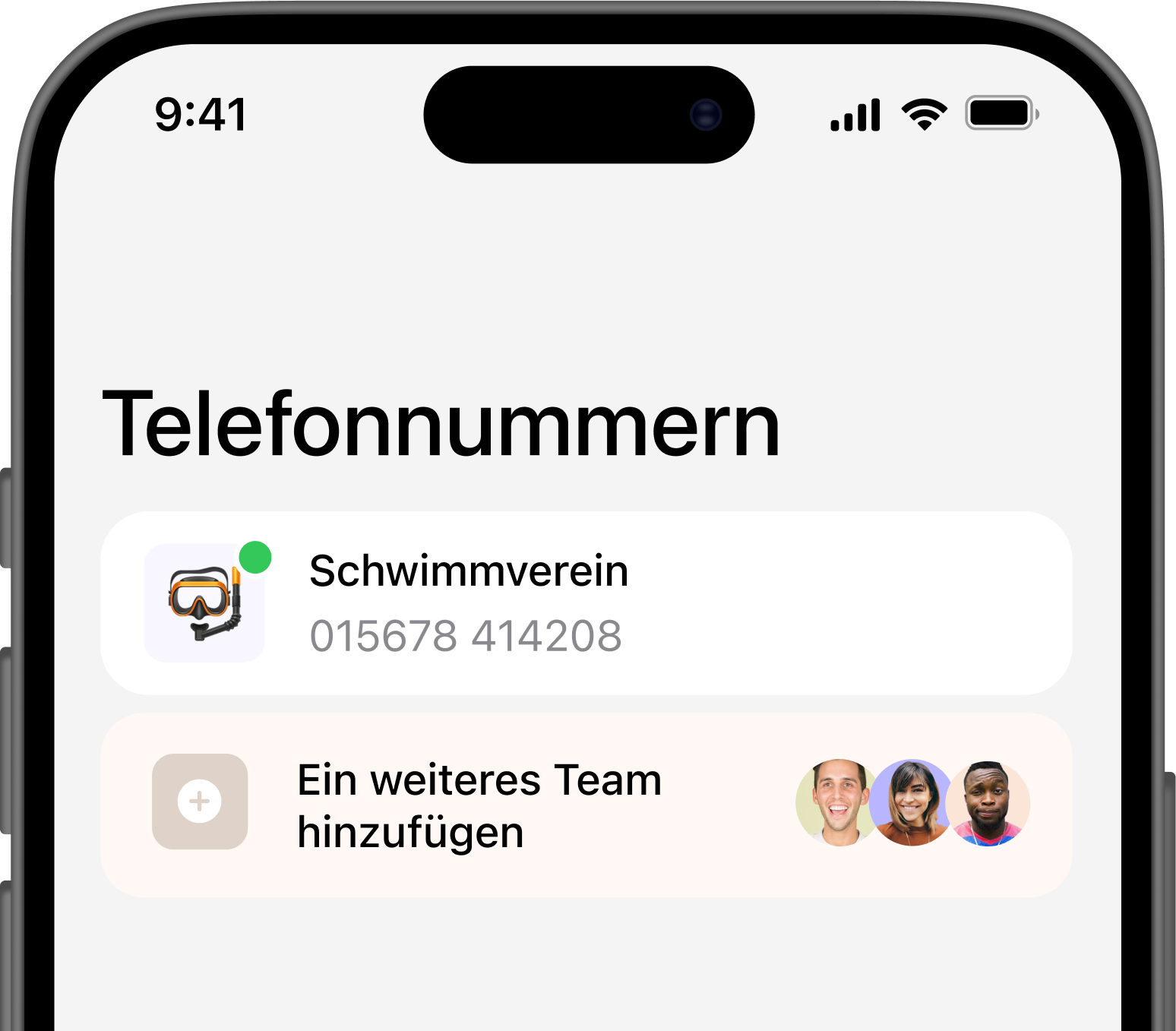

showing how easy it is to book a new number
team photo
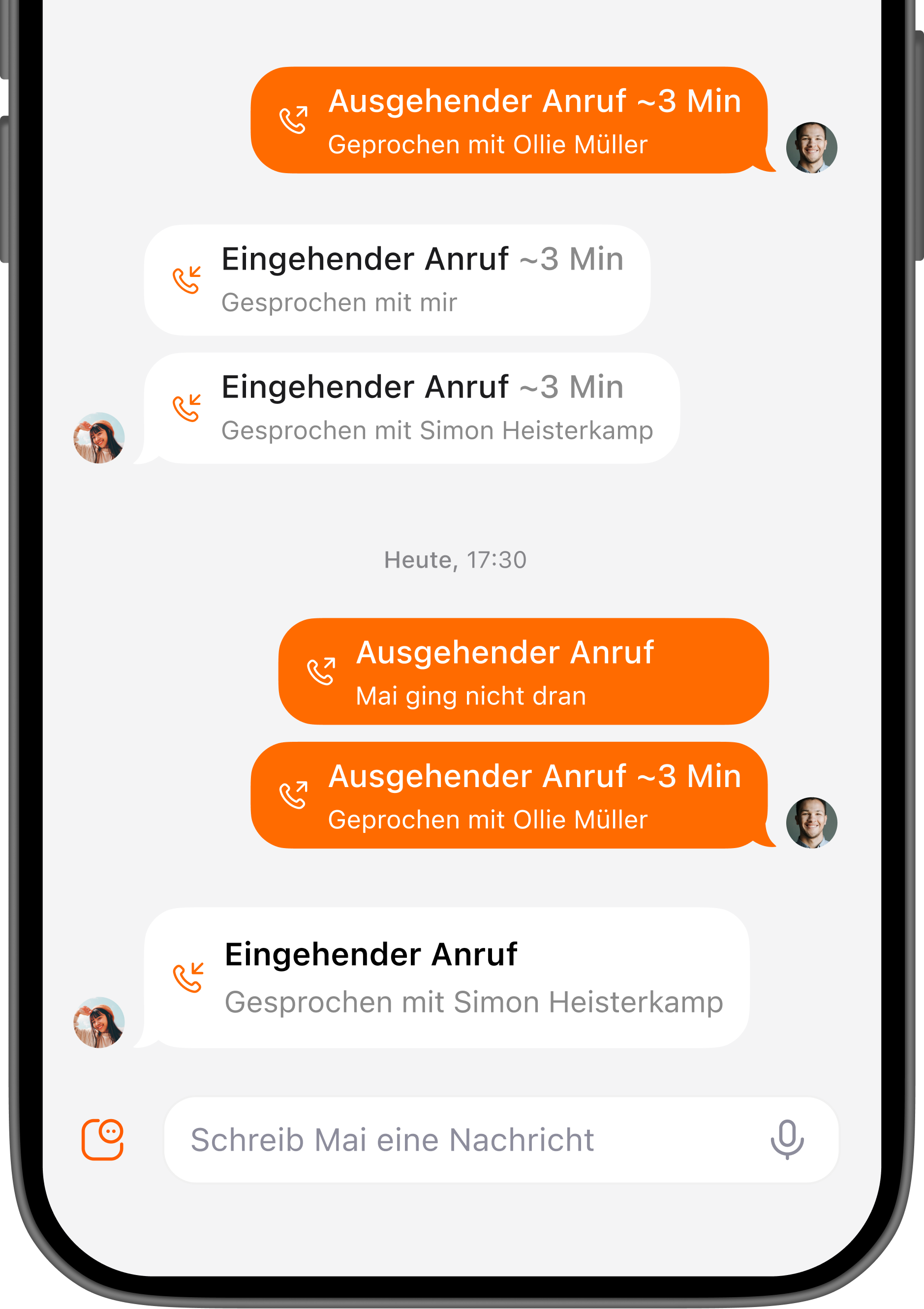
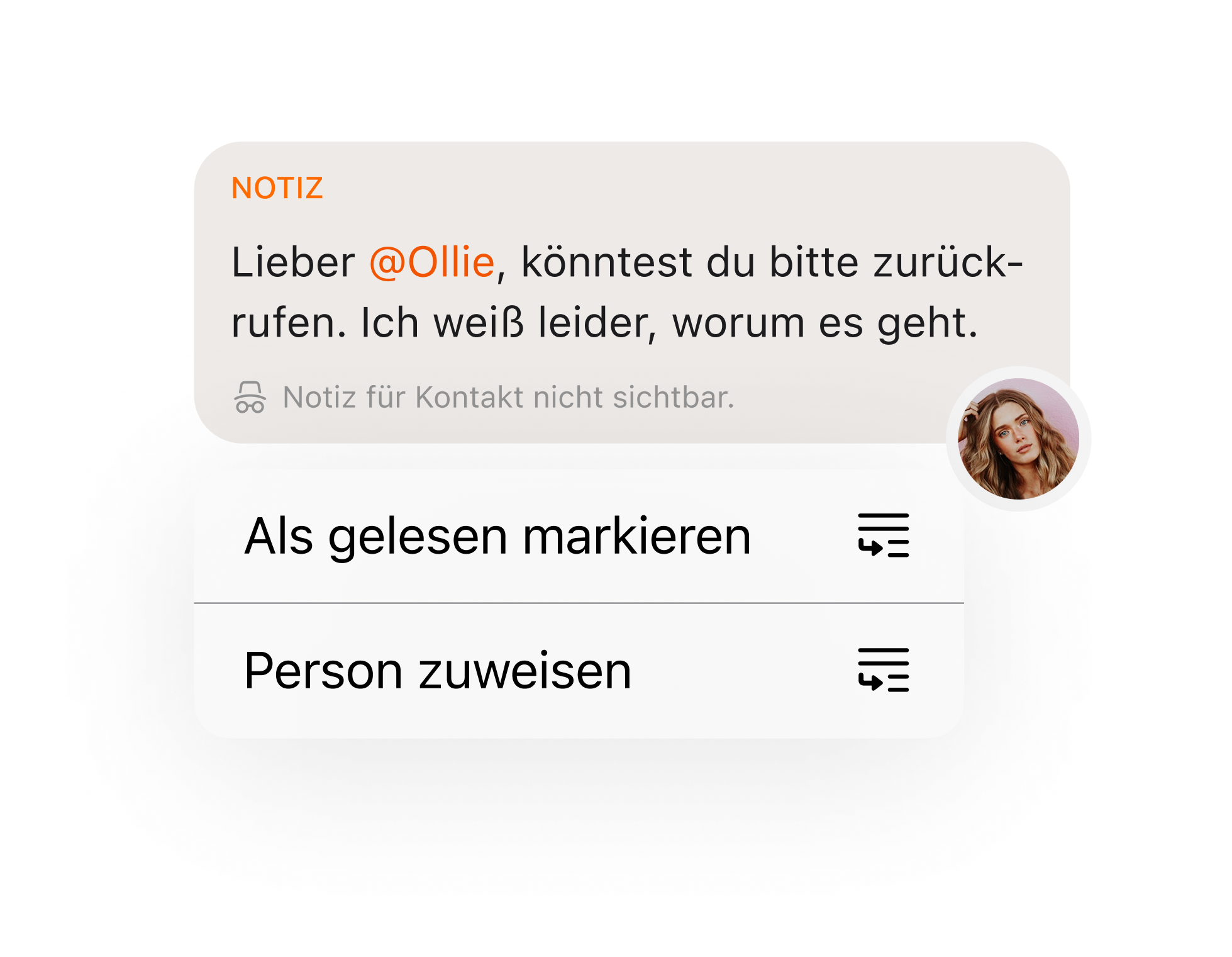
detail of the message
📢

Familiar Yet Distinct

By referencing familiar interaction patterns from other communication apps, we reduced the learning curve. Users instantly recognized how to perform key actions, even when encountering new features.

Results:
Design That Feels Native
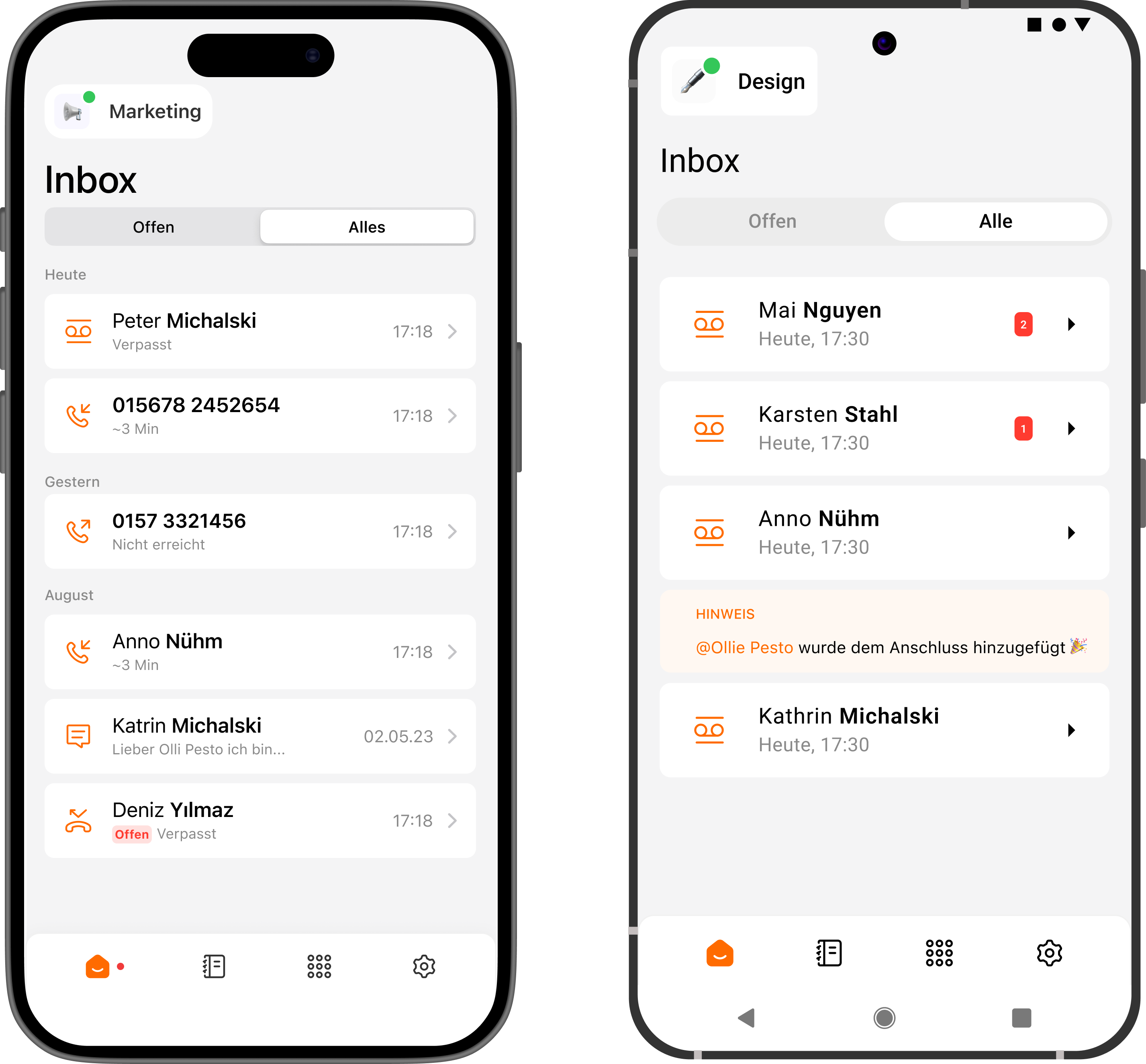
Designed both native for iOS and Android
⌨️

Typography

We adopted Roboto and SF Pro, leveraging the native typefaces of Android and iOS. This decision made the app feel like a natural extension of each system, enhancing trust and readability.
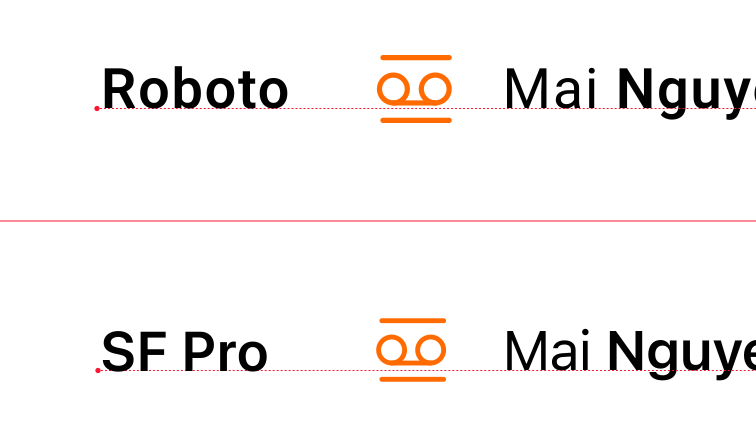
Using Roboto for Android and SF Pro for iOS
designsystem satellite

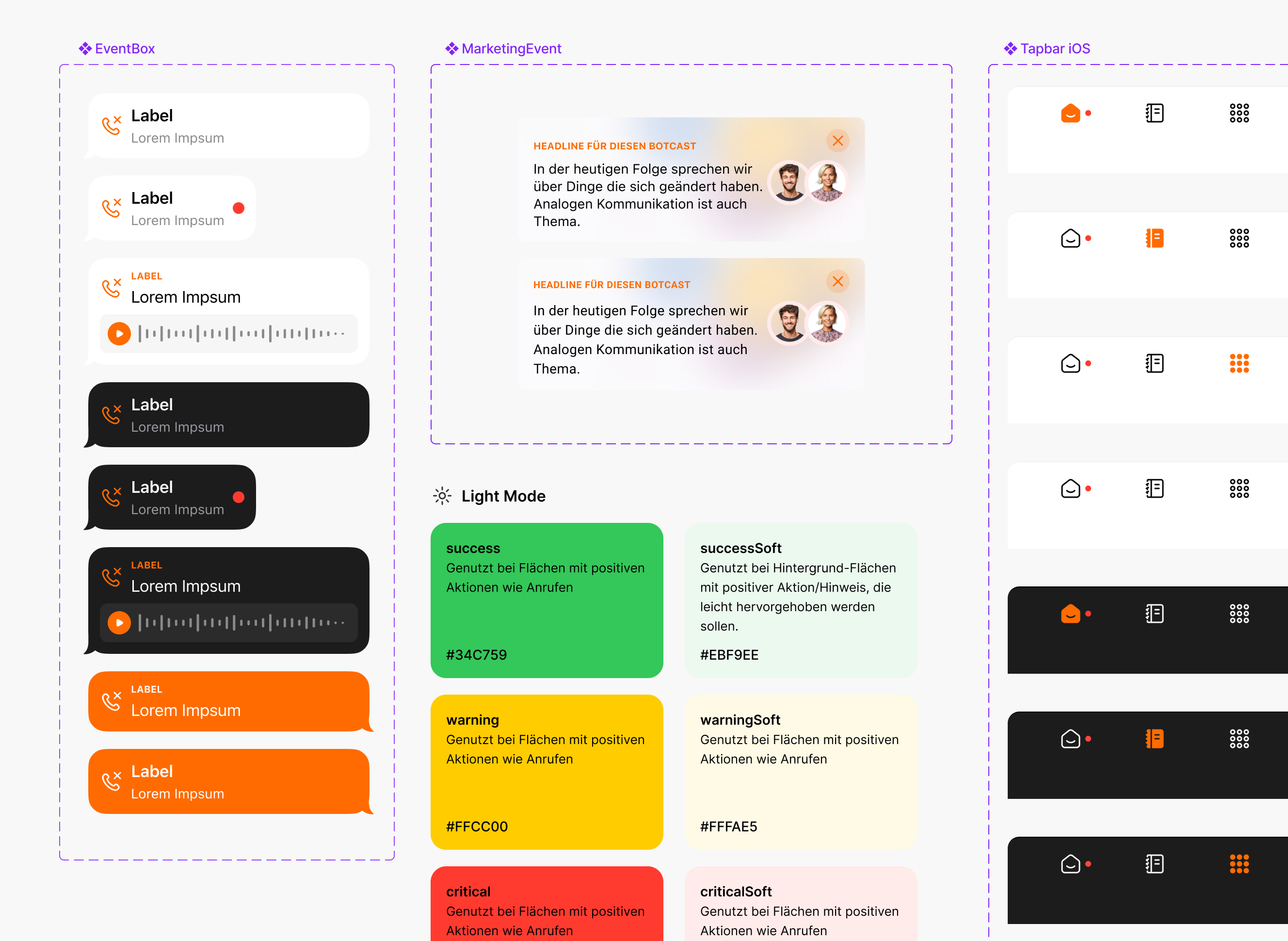
We developed a complete design system for iOS and Android so the app looks and feels coherent across both platforms.

Old design

old design

New design

new design

We eliminated the heavy navigation bar and introduced a lighter, calmer interface that focuses on content and essential actions.

Results:
Preparing for the Future

🔮

Space for What’s Coming

Dedicated areas in the layout anticipate upcoming features, ensuring the system can scale gracefully.

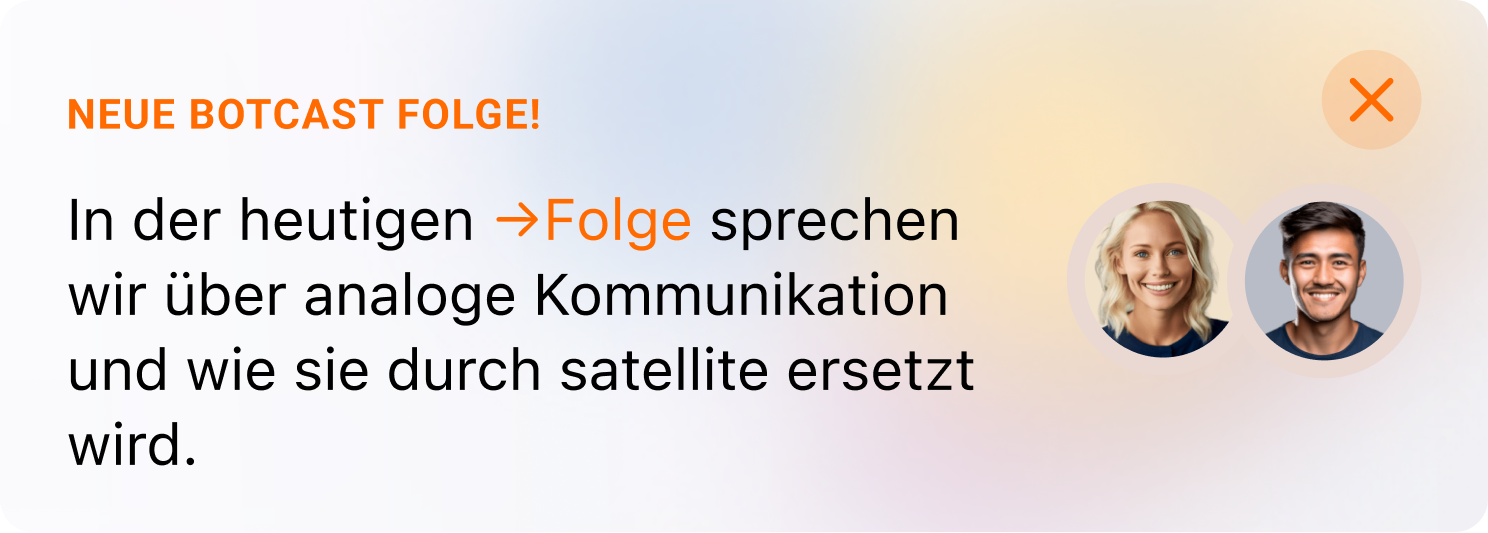
The redesign also introduced small communication touchpoints — subtle messages and previews that connect users with the satellite team and what’s next.

Woman using phone
notes
Podcast Cover
settings company
dotted line
flexible

Want to keep reading?
This project explains how several separate products were turned into one clear and consistent experience with better workflows and structure.

See it yourself →
sipgate Interface Rebrand